
Only admins can edit or remove team members. Everyone can see the Team page.
Find a team member
Tap Team in the bottom navigation bar. Search by name, or use the filters under the search box:- All: everyone on the team.
- Available: active team members. They have a green dot.
- Inactive: team members who’ve been set as inactive. They have a red dot.
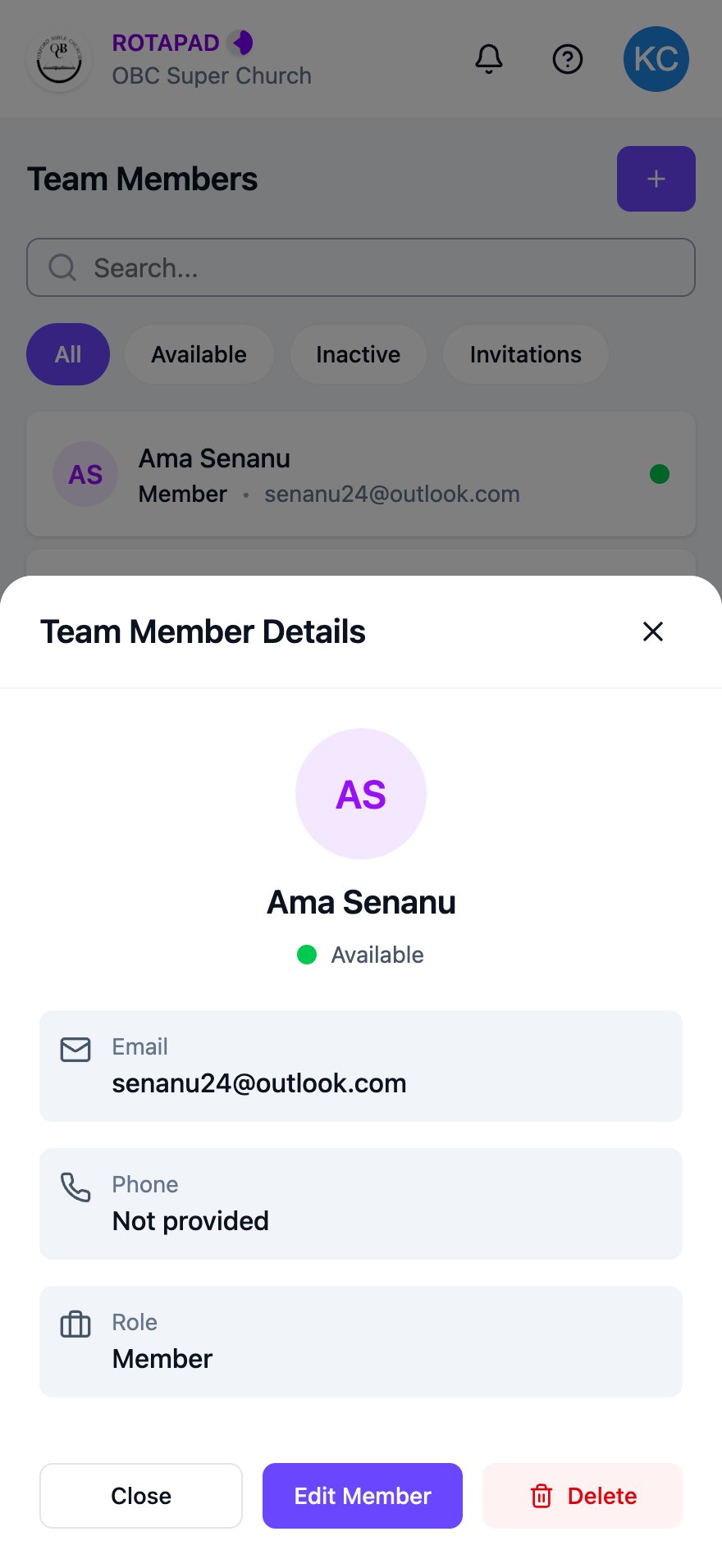
Team Member Details for an admin
Edit a team member
1
Tap Edit Member
In Team Member Details, tap Edit Member.
2
Change their details
Change their First Name, Last Name, Phone Number or Role.To mark someone as inactive, turn off Set Active. Turn it back on to make them active again.
3
Tap Save Changes
Tap Save Changes. A message at the top of the screen confirms the update.
Remove a team member
1
Tap Delete
In Team Member Details, tap Delete.
2
Confirm
Your phone asks “Are you sure you want to delete this team member?” Tap OK to remove them.